Services
UltraYou can define various common services you use often in invoicing — for example "Individual session" or "Couples therapy" — each with a cost. You use them when you issue an invoice, so you don't re-enter the name and price every time. Go to Services in the sidebar.
#Services with a general cost
Each service has a standard cost, which applies by default to all clients. Enter the name and cost, then press Add Service. The service appears in the list and can be edited or deleted at any time.

#Per-client cost services
For a specific client you can set a custom cost, different from the standard one — useful when you apply a special rate. You adjust the service cost only for that client.
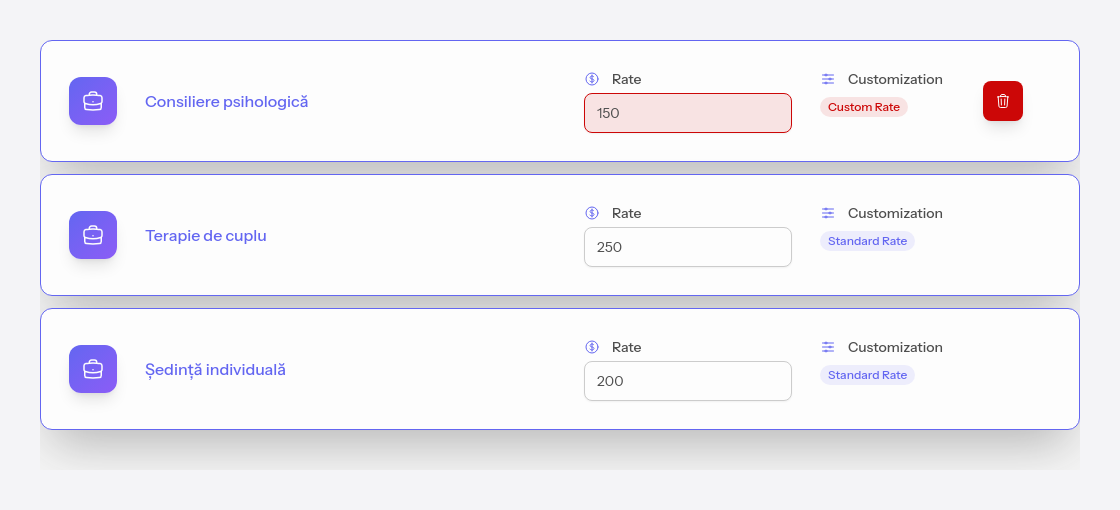
Open the custom costs from the client's quick actions, with Costs and services — see Client operations.