What the client sees
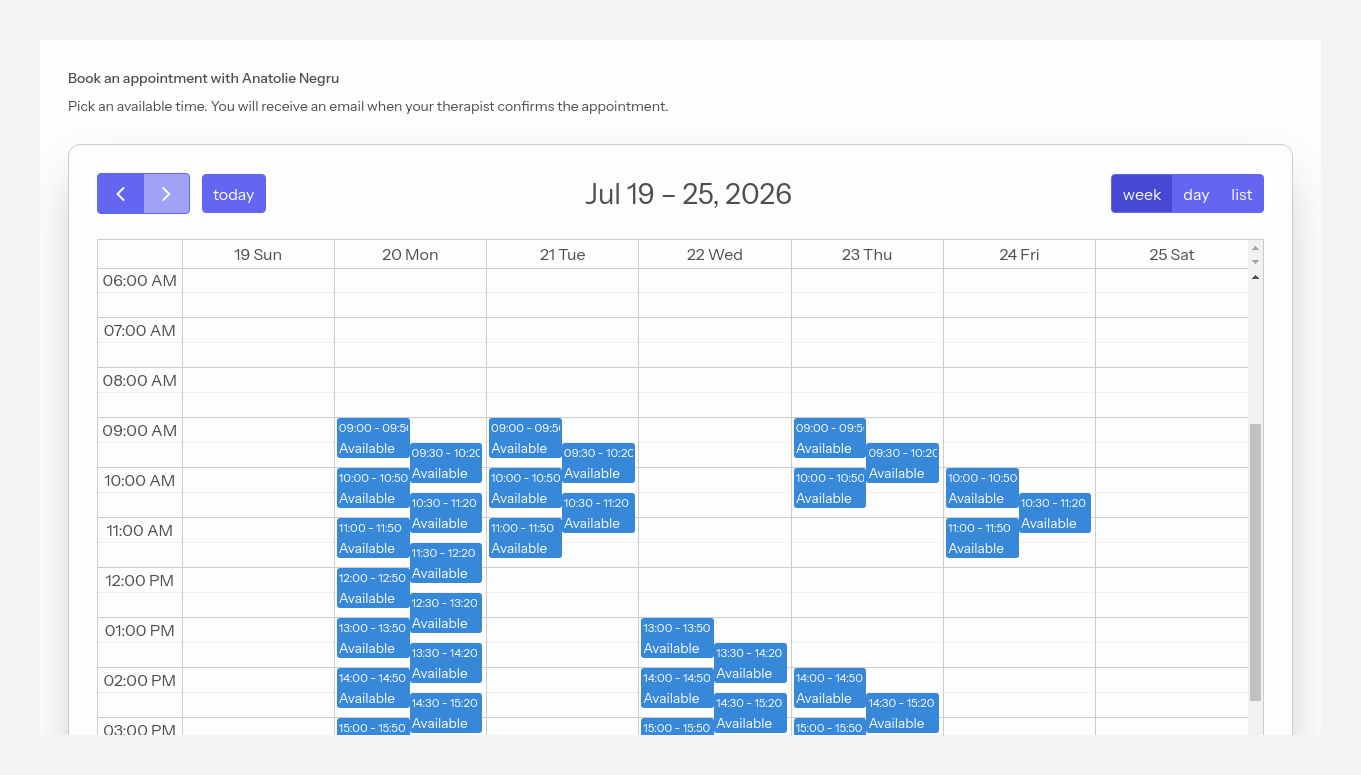
ProWhen you send a client the auto-scheduling link (from the client actions), they land on a page where they pick a free interval themselves. Just like with the personal calendar, they first enter the 6-digit code received by email.
#Picking an interval
The client sees your name and only the free intervals from the configured availability, then clicks the one they want.
#Confirming
After picking the interval, the client confirms the booking.
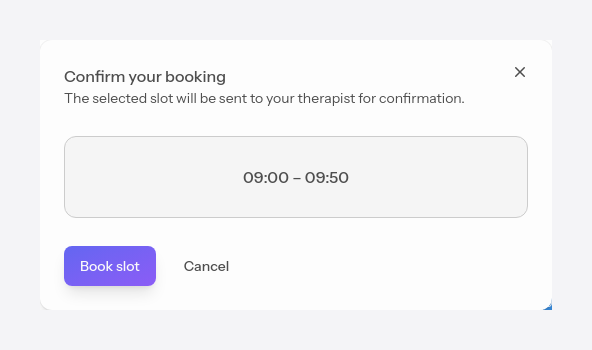
If auto-confirmation is set to Manual, the booking appears to you as a request in Requests panel; on Auto, it's confirmed directly. In both cases, the client receives an email with the result.