Adding a client
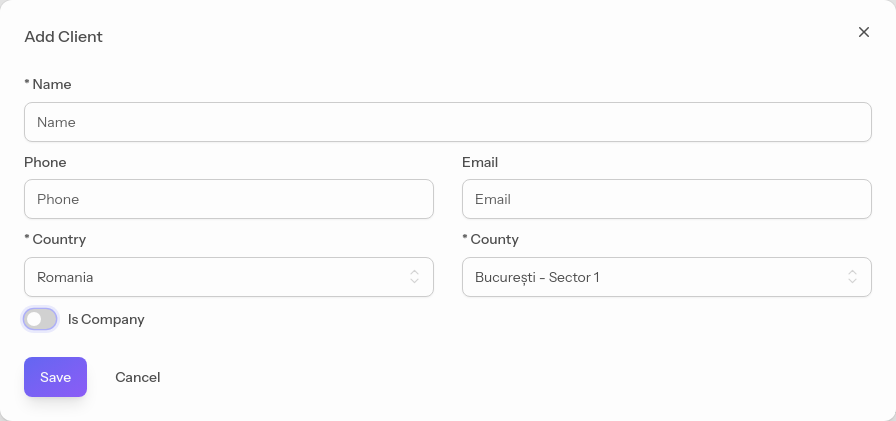
From the sidebar, go to Clients and click the Add client button.
Fill in the name and, optionally, the email and phone — these are used for sending invoices and booking links.
Although the email address is not required, we recommend adding it. Without an email address, clients will not be able to receive invoices, notifications, video calls, and the links for their personal / self-booking calendar
#Individual vs company client
You can change the client's type using the Is a company field.
Converting the client into a company is only necessary if they want the invoices you issue them to be made out to a legal entity.
#Pulling data from ANAF
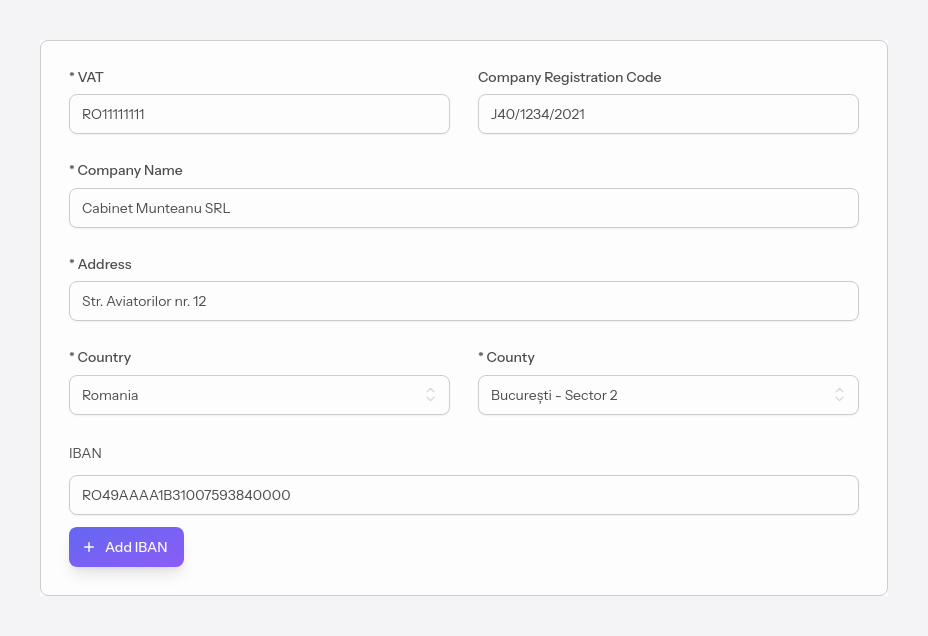
For company clients you can fill in the tax details automatically: Once you have entered the tax ID, the app queries ANAF and automatically fills in the rest of the data.
To send invoices or links by email, the client must have a saved email address.