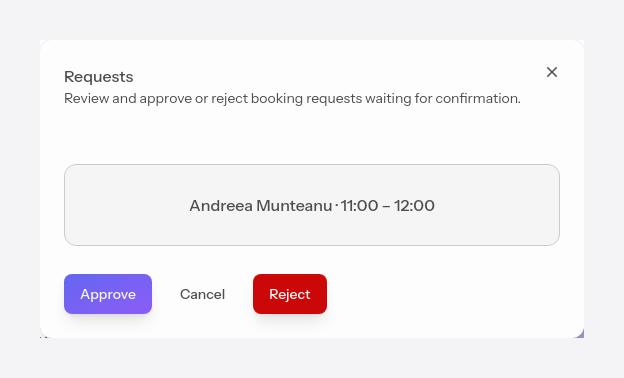
Requests panel
ProWhen auto-confirmation is set to Manual, requests sent by clients appear here and wait for your response. Go to Auto Scheduler > Requests panel from the sidebar.
#Approve or reject
Each request shows the client and the requested interval. Approve turns the request into a confirmed appointment; Reject cancels it. In both cases, the client is notified.

#Straight from the calendar
You don't have to open the panel every time — a pending request also appears in Calendar, shown more faded than confirmed appointments.
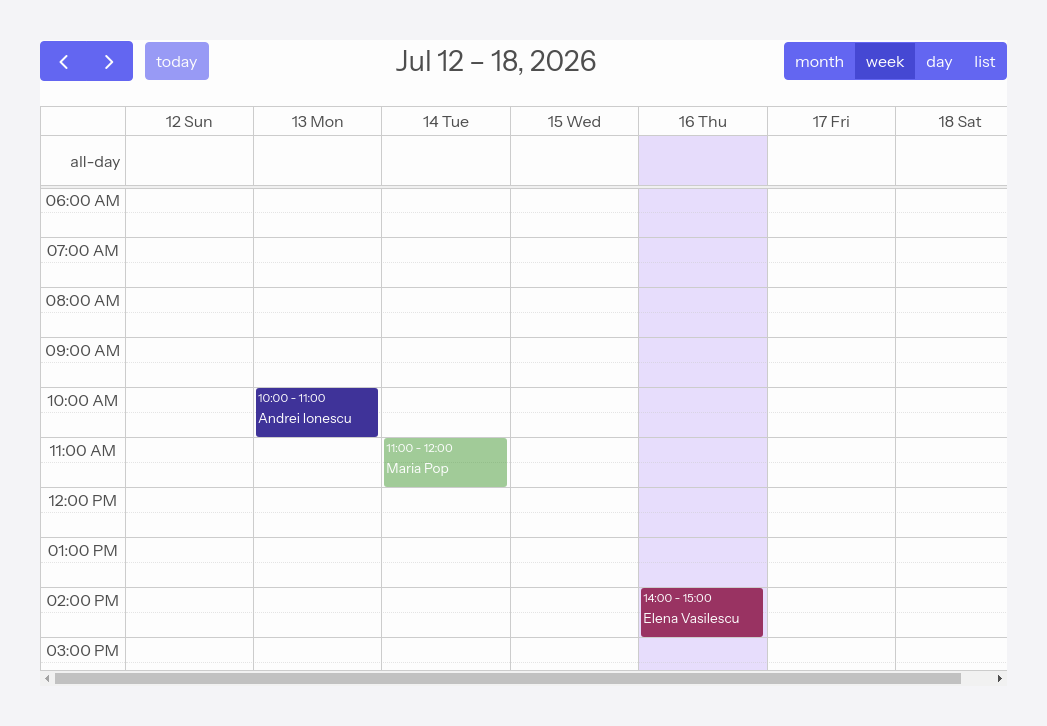
Click the appointment and you can Approve or Reject it on the spot.