With a due date
Reminders are personal tasks. You find them in Reminders in the sidebar and in the cards on the Dashboard.
#Adding a reminder with a date
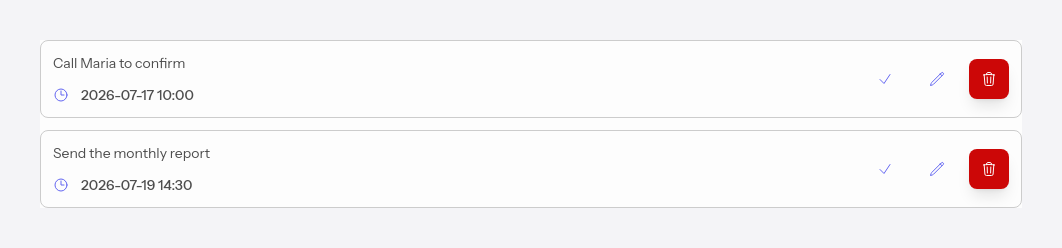
Press Add reminder, write the text and turn on the Set date toggle, then choose the date and time. The reminder shows up on the dashboard in the Today or Overdue card, as appropriate.
#Notification
15 minutes before the set time you get a notification (email and/or push), depending on your preferences in Notifications. Once you've handled it, press Mark as done, and the reminder leaves the lists.