Templates
ProNotes always belong to a client's appointment. You open them from the client's file or from an appointment, via the Notes action.
#What a template is
A template structures the note into titled sections — for example SOAP: Subjective, Objective, Assessment, Plan — instead of a blank page. Pick a template from the list before you write, and the note gets the right fields.
#Available templates
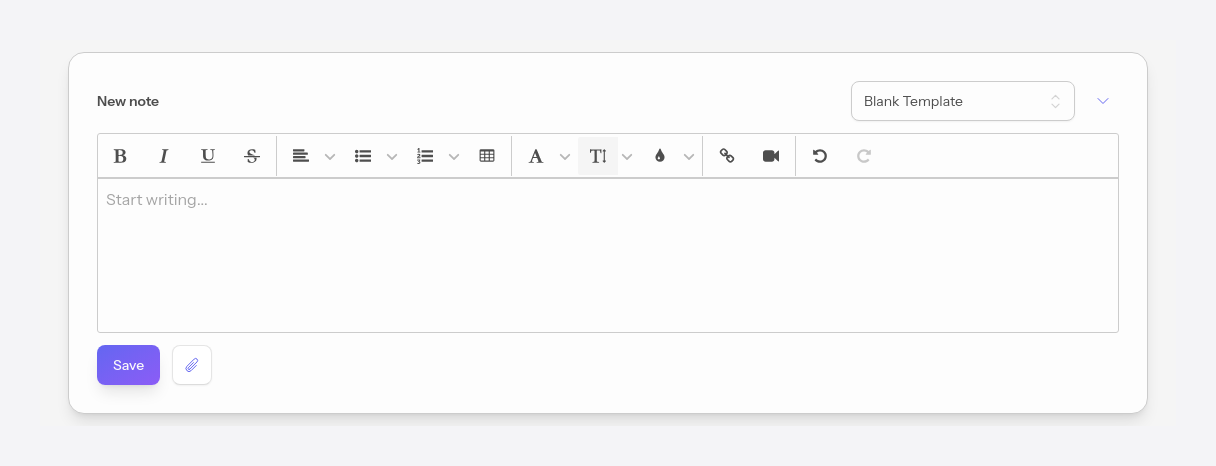
You can choose a Blank template (free editor, as above) or one of the structured templates below. Each one sets up titled fields with brief guidance, suited to a particular documentation style. Whatever you write is saved automatically, so you can switch templates without losing your text.
#SOAP template
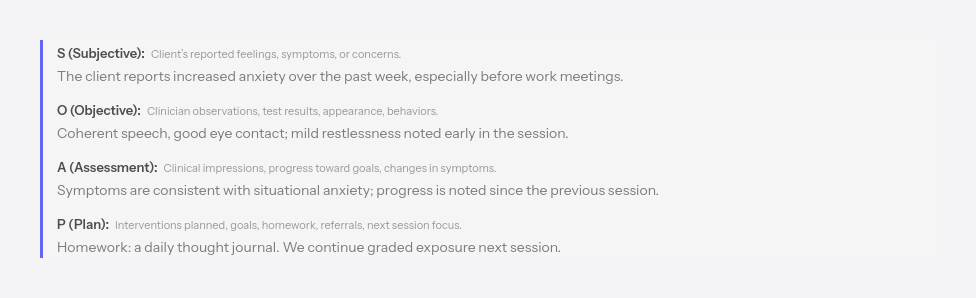
Subjective, Objective, Assessment, Plan.
#DAP template
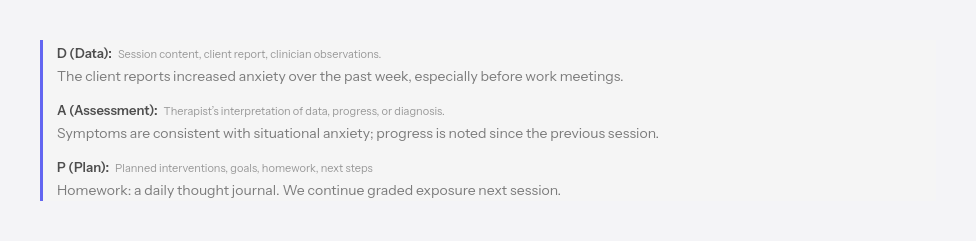
Data, Assessment, Plan.
#CIRP template
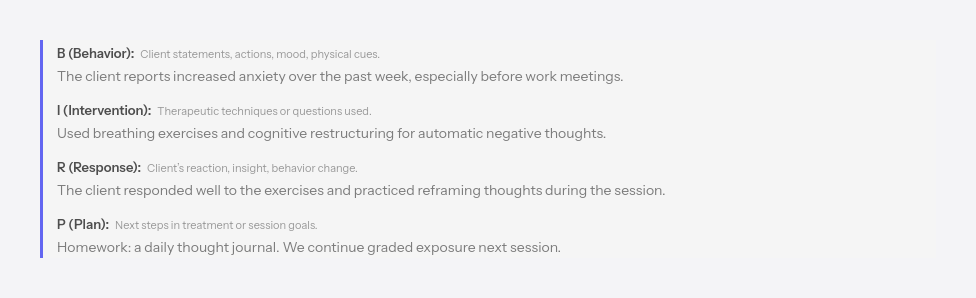
Behavior, Intervention, Response, Plan.
#OIRP template
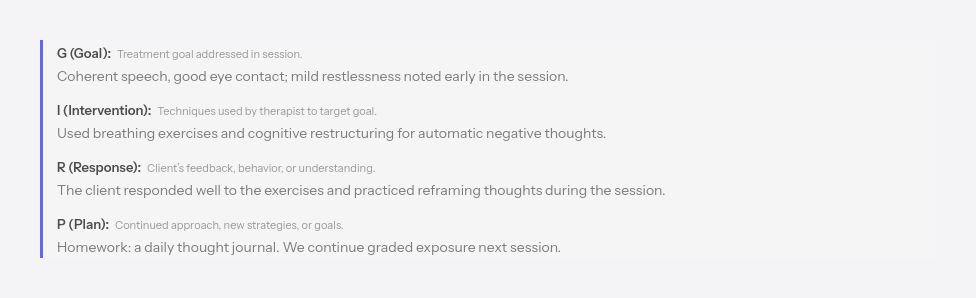
Objective, Intervention, Response, Plan.
#PIE template
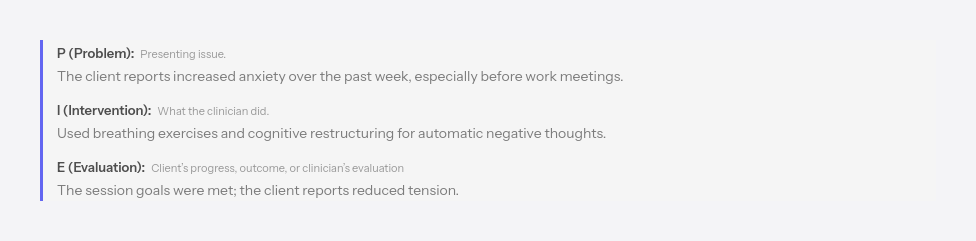
Problem, Intervention, Evaluation.
#PIRP template
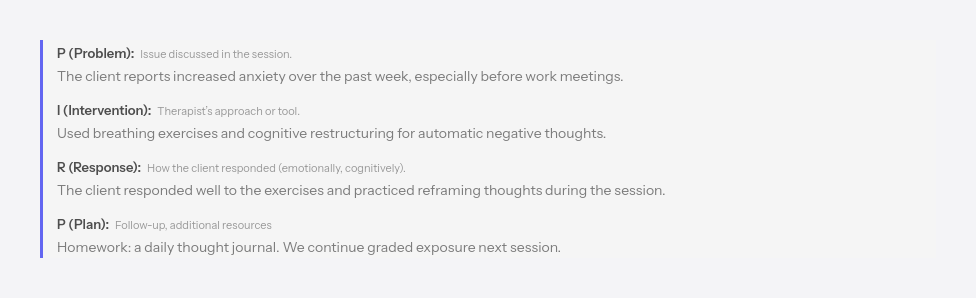
Problem, Intervention, Response, Plan.
#Unstructured template
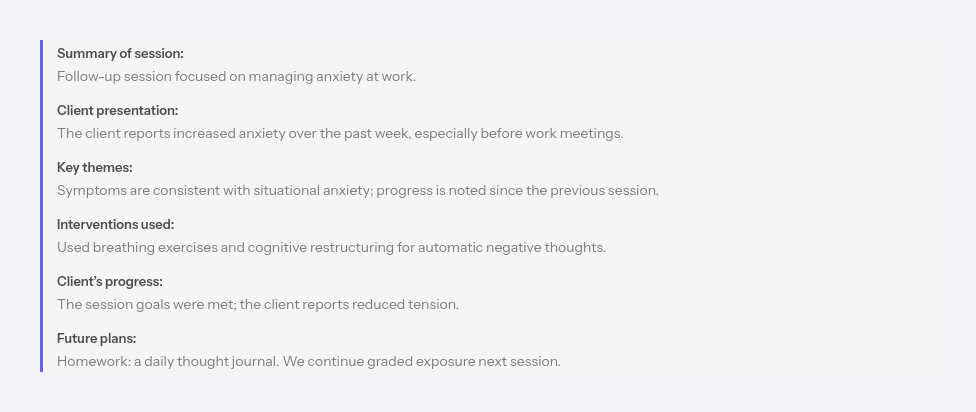
General fields — session summary, client presentation, homework, interventions, progress and plans — for a free but organized note.