Google Calendar
ProSyncing with Google Calendar is two-way: appointments created in the app appear automatically in Google Calendar, and events from Google Calendar show up in the app's calendar.
Go to External calendar sync from the sidebar.
#Connecting
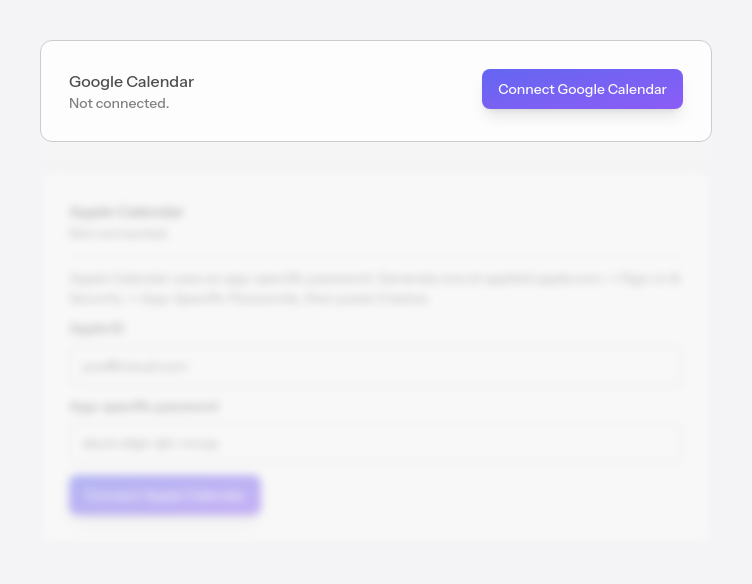
Open the Google sign-in. Once you grant permission, the account connects and upcoming appointments are sent to Google Calendar right away.
#Choosing which calendars to sync
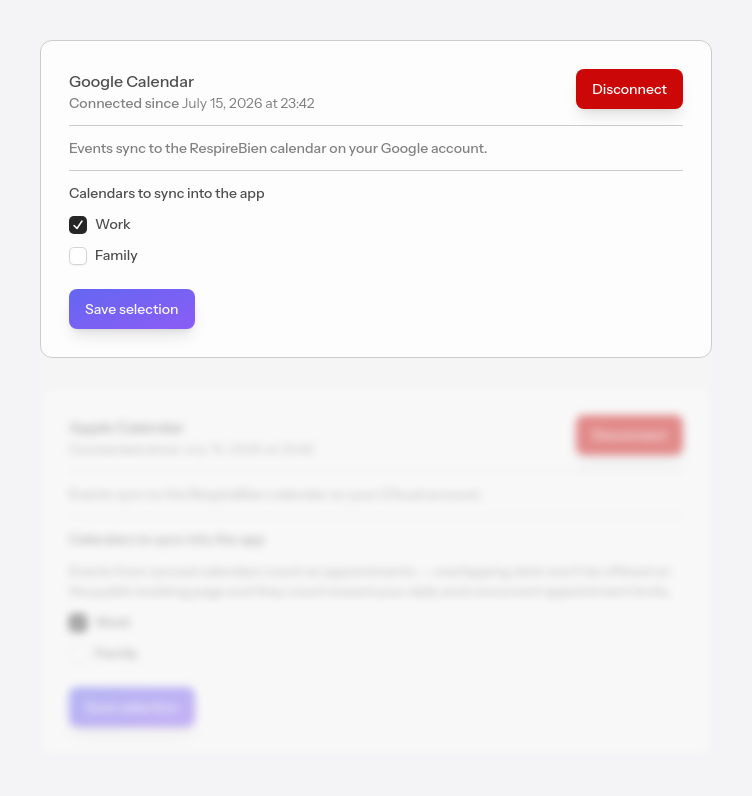
After connecting, tick the calendars you want us to bring events from into the app, then press Save selection. Only the ticked calendars are synced.
Events brought in from external calendars are marked with a lock (🔒), cannot be edited from the app, and you can assign them to a client in the External events section.
We bring in external events automatically, once an hour. If you want to refresh them immediately, use the Sync now button in Calendar — available once every 10 minutes.