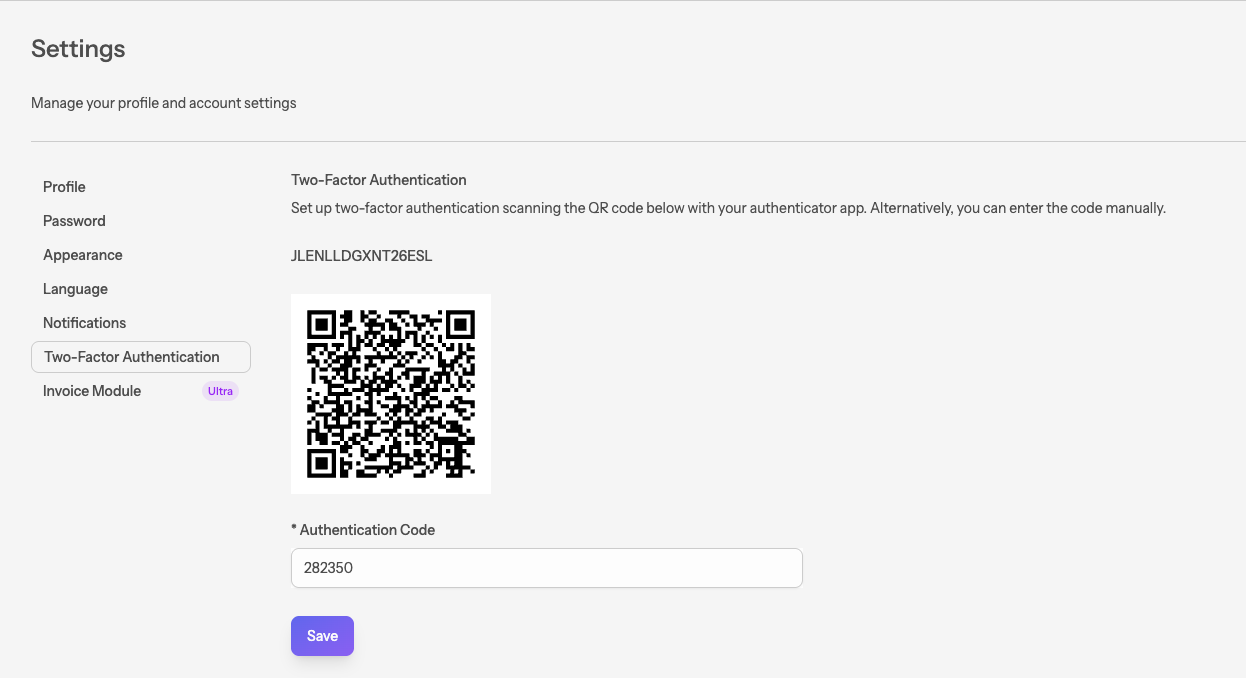
Two-factor authentication
#The two-factor authentication menu
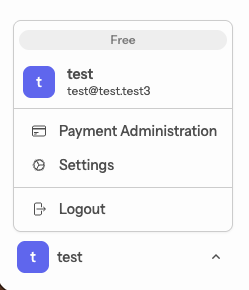
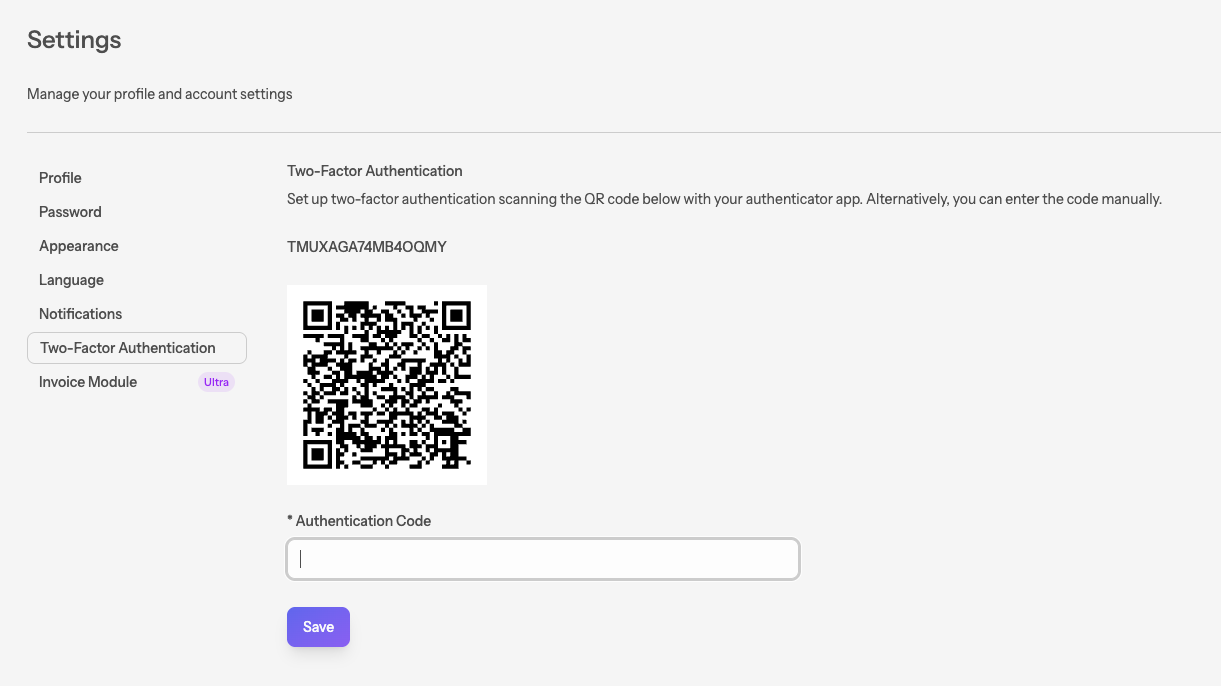
To enable two-factor authentication, navigate to
My profile > Settings > Two-factor authentication.
#Getting an authenticator
We recommend using the Microsoft Authenticator app.
You can download both the Android and the iOS versions here.
Once the app is installed, add a new personal account and scan the QR code.
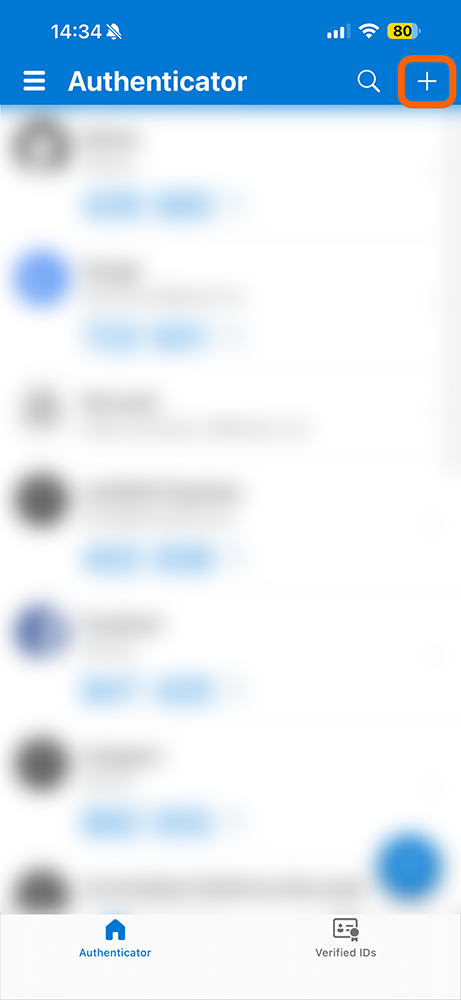
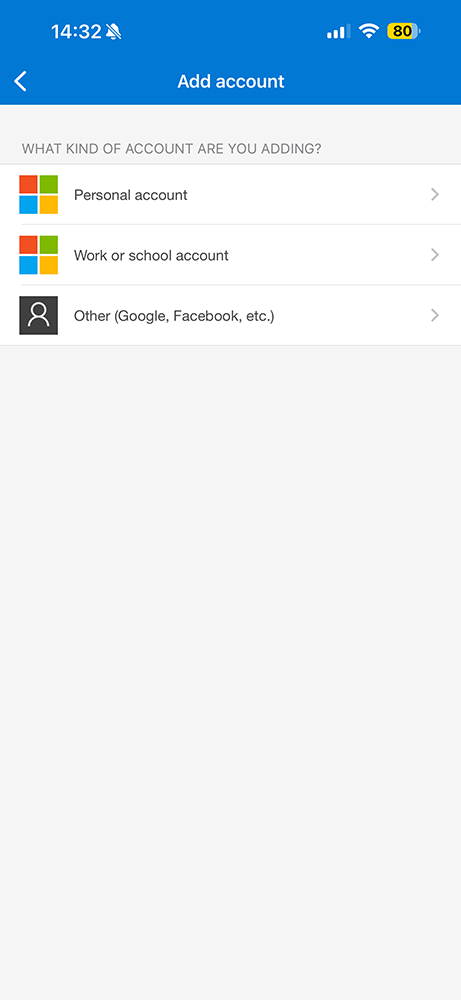
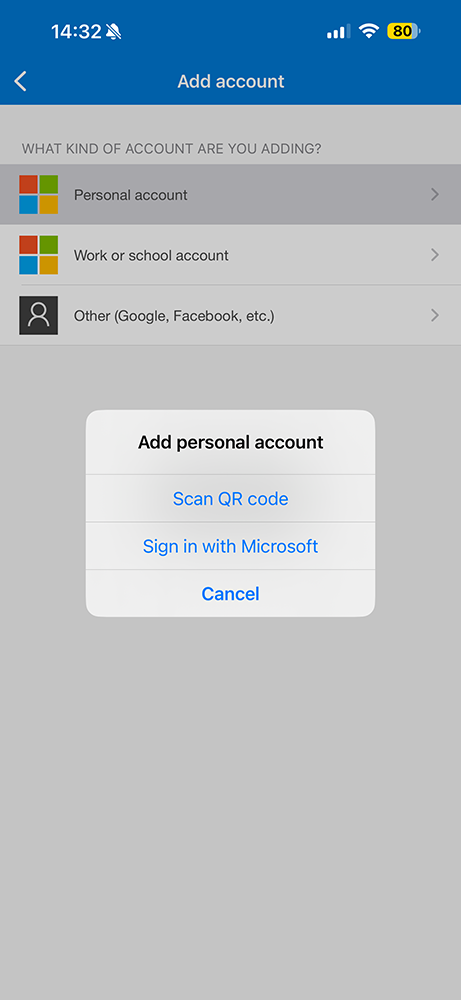
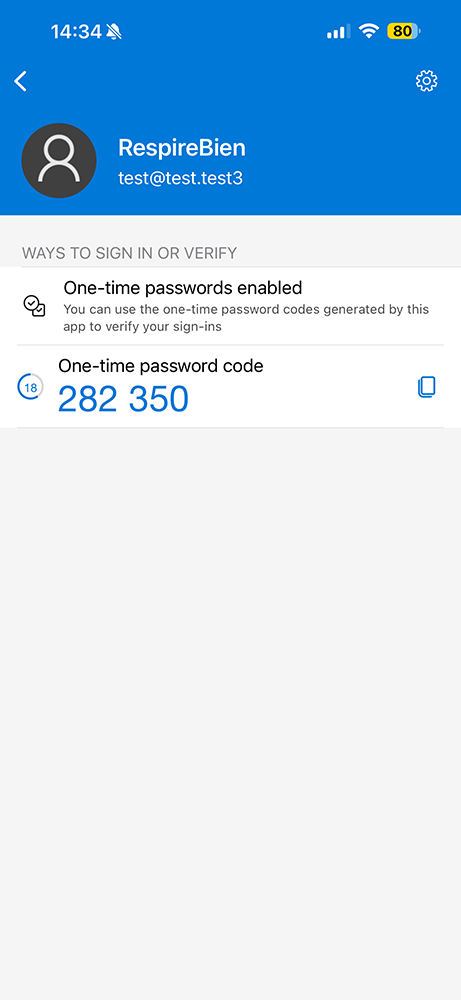
Enter the OTP code and save.