# External events
If you have connected a calendar in **[External calendar sync](/help/calendar_sync)**, the events from that calendar appear in the app's calendar, alongside your appointments.
If you use external apps such as Calmly, Pleso, etc. that automatically generate appointments in your calendar, you can import them without needing to add them manually.
## How they look in the calendar
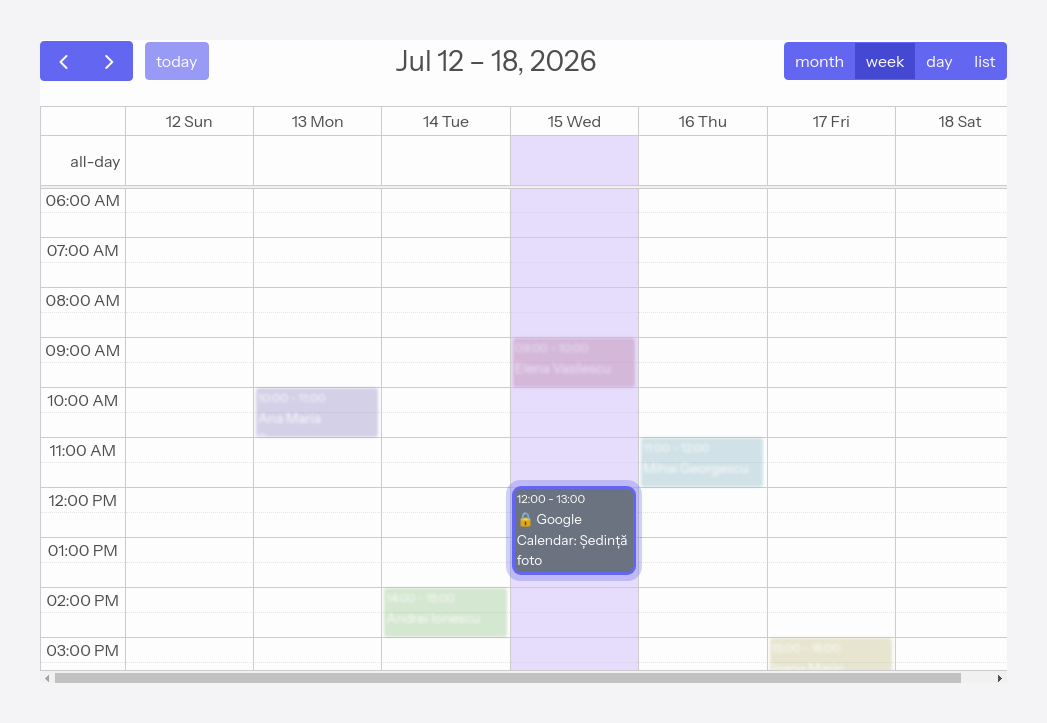
External events are marked with a lock (🔒) and **cannot be modified** — you cannot move or edit them from the app, because their source remains the external calendar.
## Manual refresh
We bring in external events automatically, once an hour. If you want to refresh them immediately — for example after you have added something to the external calendar — use the **Sync now** button in **[Calendar](/calendar)**.
Manual refresh is available once every 10 minutes.
## Assigning a client
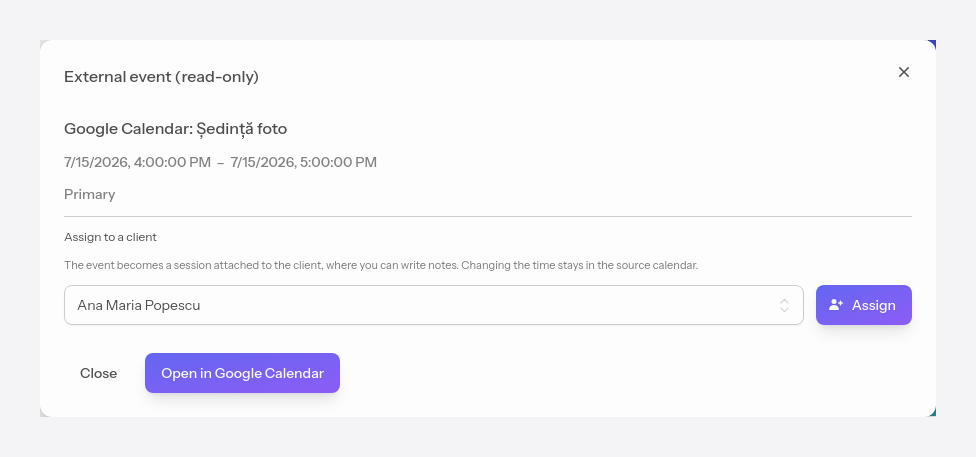
Click an external event to open it, then choose a client and press **Assign**. The event becomes a session attached to the client, in which you can write notes. Changing the time stays in the source calendar.